Abyssal Lapidary Licence & Faceting: Silver, Gold, Cut Shape vs Style
How Abyssal Lapidary licences work in the demo: Silver unlocks the faceting table, what Gold still does not say, and why cut shape is not the same as cut style when a commission asks for square.
The Silver licence unlocks the faceting table. Gold is named as a goal in community material, but nobody documents the requirement or the reward, so its row stays empty. The rest of this guide covers the faceting table and the distinction that causes most commission failures: shape and style are not the same thing.
Scope and sources
Written for demo v0.2.15 (23 October 2026 patch), last checked 6 November 2026. Licence and faceting details come from the community wiki and from demo coverage. Gold is left blank because no source describes it. Full-release values may differ.
Licences run on renown
Selling finished pieces builds renown. Once you have enough, you can apply for the Silver licence, which unlocks the faceting table. The table is a spinning metal wheel that grinds rough stone into a chosen shape.
The Silver licence unlocks the faceting tablePlayer-tested, and the licence also controls the other workshops. Faceting and jewellery stations open as the licence advances, and higher licences bring rarer rough stone from merchantsPlayer-tested.
No renown threshold for Silver is published. A guide that quotes a number is guessing. The licence screen in your build is the only reliable counter.
Licence tiers: confirmed and unpublished
| Tier | Confirmed unlock | Still unpublished |
|---|---|---|
| Silver | Faceting table | The renown threshold required to apply |
| Gold | — | How to reach it, what it unlocks, and any renown requirement |
Gold appears only as the title of a "how to reach a Gold licence" entry on the community wiki. The entry has no body text, so the route has not been confirmed in game.
There is no Bronze row. No source confirms a Bronze tier, and adding one would mean copying another game's licence system.
If your build shows the licence screen
Copy the tier names, the station each tier unlocks and the renown requirement from the interface, and screenshot it. Only fill the blank cells with something the screen actually says. If a field is not displayed, write "not shown in game" and leave it there.
Using the faceting table
- Place an already cleaned gem on the table.
- Browse the cut list.
- Read the preview before confirming: cutting effort, cutting points, the estimated final value and any gem effects.
- Confirm the cut.
Patch v0.2.15 expanded the projected results and added shape filtering and sorting to the cut listPlayer-tested. On an older build the list is harder to read.
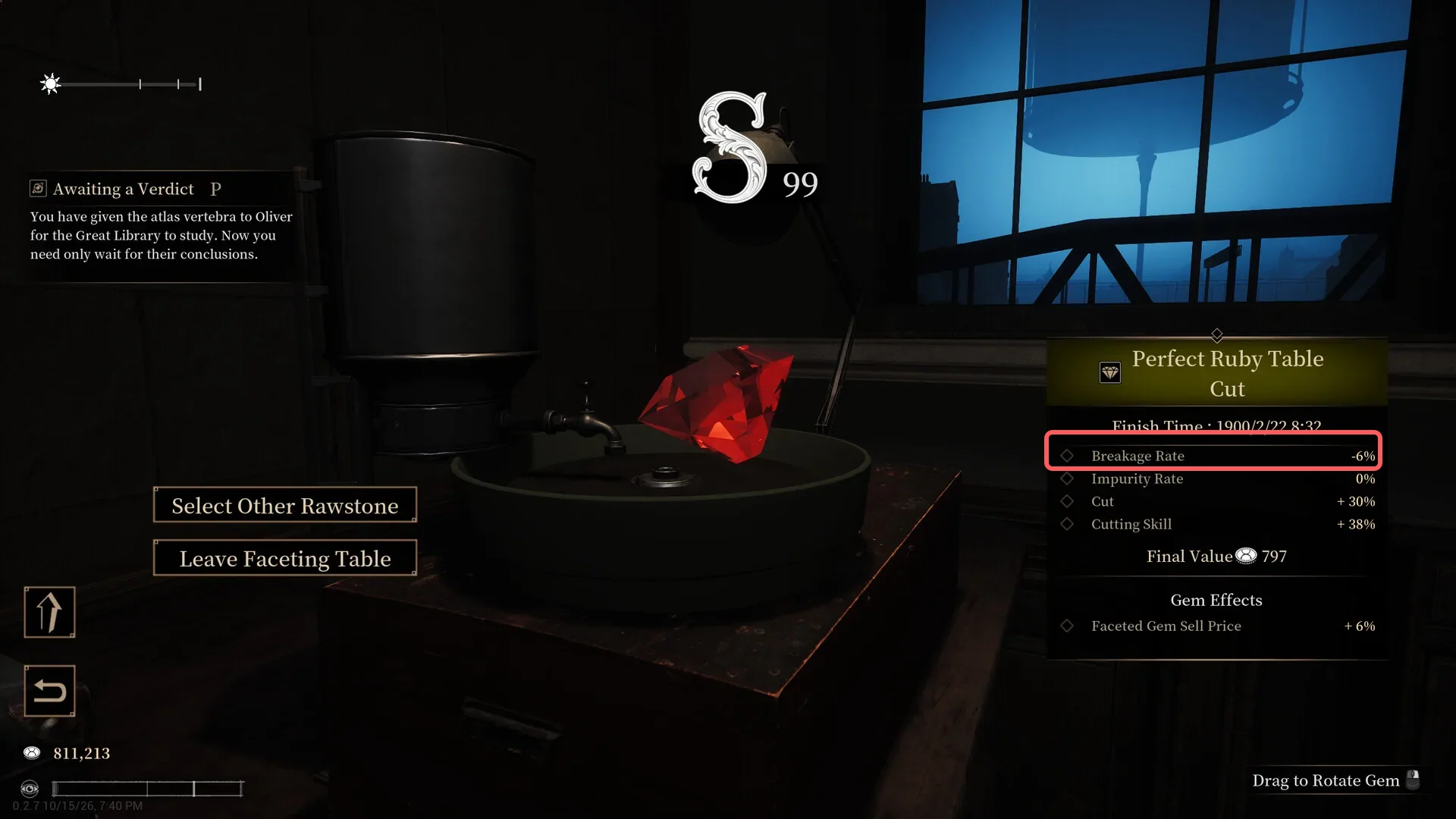
The preview is there so you can walk away. If the estimated final value is below what the stone cost, stop before confirming. Checking after the cut only confirms the loss.
Value drops for three reasons: damage recorded during extraction, the cut you choose, and the gem's own effects. Only the cut is still yours to change.
Shape is a family, style is a cut inside it
Shape is the family a cut belongs to; style is the specific cut inside that familyPlayer-tested. Square is a category, not a single cut. Point cut, table cut and old single cut all fall under it, while other styles sit in the fancy group.
Commissions work the same way. If a client asks for a square cut, a table cut satisfies the order. If the client names a style, only that style works.
| Commission line | What it means | Where it is decided |
|---|---|---|
| Gem level | The grade band the order asks for | Appraisal, before you buy |
| Mineral type | The exact species | Appraisal and inventory |
| Cut shape | Square family or fancy family | Faceting table |
| Maximum breakage rate (some orders) | A damage ceiling | Extraction, before faceting |
Gem level, quality and mineral type are separate requirements. A piece can pass one and fail another, so "valuable" does not mean "correct".
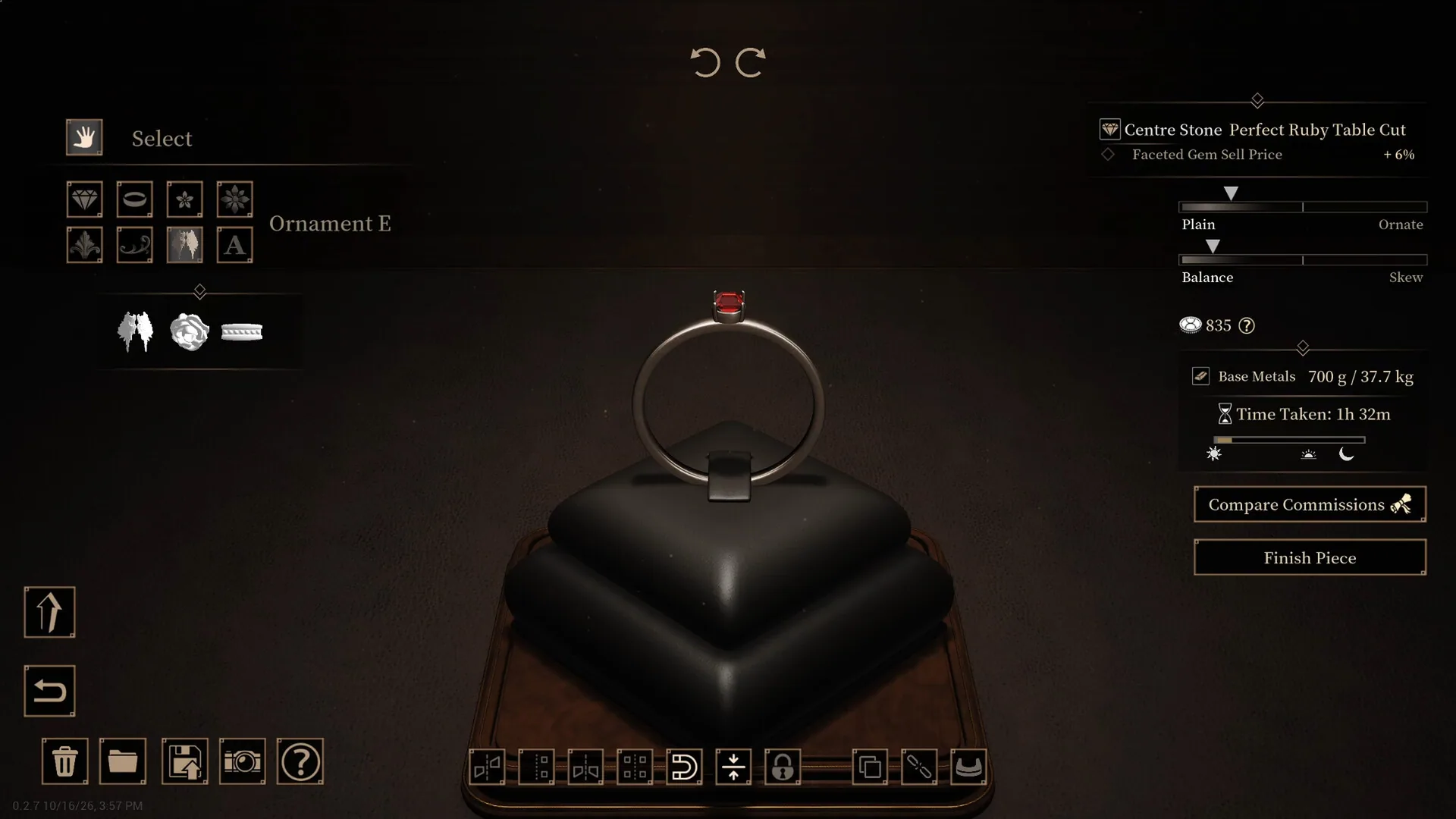
Read the commission before you cut
Three requirements are set away from the faceting table, and the shape cannot be changed after you confirm. Cut first and read the order later, and you are looking for a buyer who wants what you already made.
The fourth line, a maximum breakage rate, is set during extraction. No cut at the table pulls a stone back under a ceiling it already missed.
Once the requirements are clear, buy stone that fits them and cut after that. Buying rhythm and the auction fallback for unsold pieces are covered on the money page.
Where to go next
- Where the money comes from: Commissions, auctions and licences
- Keeping the gem intact: Gem cutting and breakage
- Which stones exist: Ore list, hardness and toughness
- First day in the shop: Beginner guide
Frequently Asked Questions
How do I get the Silver licence?
Sell finished pieces to build renown, then apply once you have enough. The demo does not publish the renown number, so no guide can give you a reliable target.
What does the Gold licence unlock?
Unknown. The community wiki names Gold as a goal but never gives the requirement or the reward, so the row stays empty here.
When does the faceting table appear?
With the Silver licence. Before that the table is locked, which is why new players sometimes think the station is missing.
Which cut should I use for a square commission?
Any style in the square family. Point cut, table cut and old single cut all satisfy a request for square. Only a commission that names a specific style narrows it to that one.
Why does a commission keep saying my cut is wrong?
A commission checks gem level, mineral type and cut shape as separate lines, and some orders add a maximum breakage rate. Passing one line does not mean the others pass.
Can faceting break a gem?
The table shows a breakage rate and an impurity rate, and you see the estimate before confirming. Damage already recorded during extraction cannot be undone at the table.
Is the jewellery bench tied to the licence?
Yes. Licence progress gates both the faceting and jewellery stations. Which tier opens the jewellery bench is not confirmed.
Related guides
Abyssal Lapidary Money Guide: Commissions, Auctions, Display and Licences
How the demo's income works: commission delivery, auction bidding, display cabinets and shop allure, licence progression, and a buying rhythm that avoids dead stock.
Abyssal Lapidary Ore List: Hardness, Toughness & Stones You Cannot Clean
Abyssal Lapidary ore list from the demo: hardness and toughness where they are known, which 1/1 stones cannot be cleaned.
Abyssal Lapidary Gem Cutting Guide: Hammers, Chisels and Fretsaws
Why rough stone shatters, which tool suits which mineral, what to do when a stone splits in half, when to stop striking, and the low-toughness limitation in the current demo.
All guides for this game
- Abyssal Lapidary Ore List: Hardness, Toughness & Stones You Cannot Clean
- Abyssal Lapidary Awareness & Occult Ore: What the Sanity-Like Stat Does
- Abyssal Lapidary Beginner Guide: Daily Loop, Appraisal and Safe Extraction
- Abyssal Lapidary Gem Cutting Guide: Hammers, Chisels and Fretsaws
- Abyssal Lapidary Money Guide: Commissions, Auctions, Display and Licences
- Abyssal Lapidary Release Date, Demo & Price: What Is Confirmed